
Browse our Pick a Slide page to see all of our awesome waterslides!
Need more information? Check out our Slide Sizes & Details page for dimensions, requirements, and more.
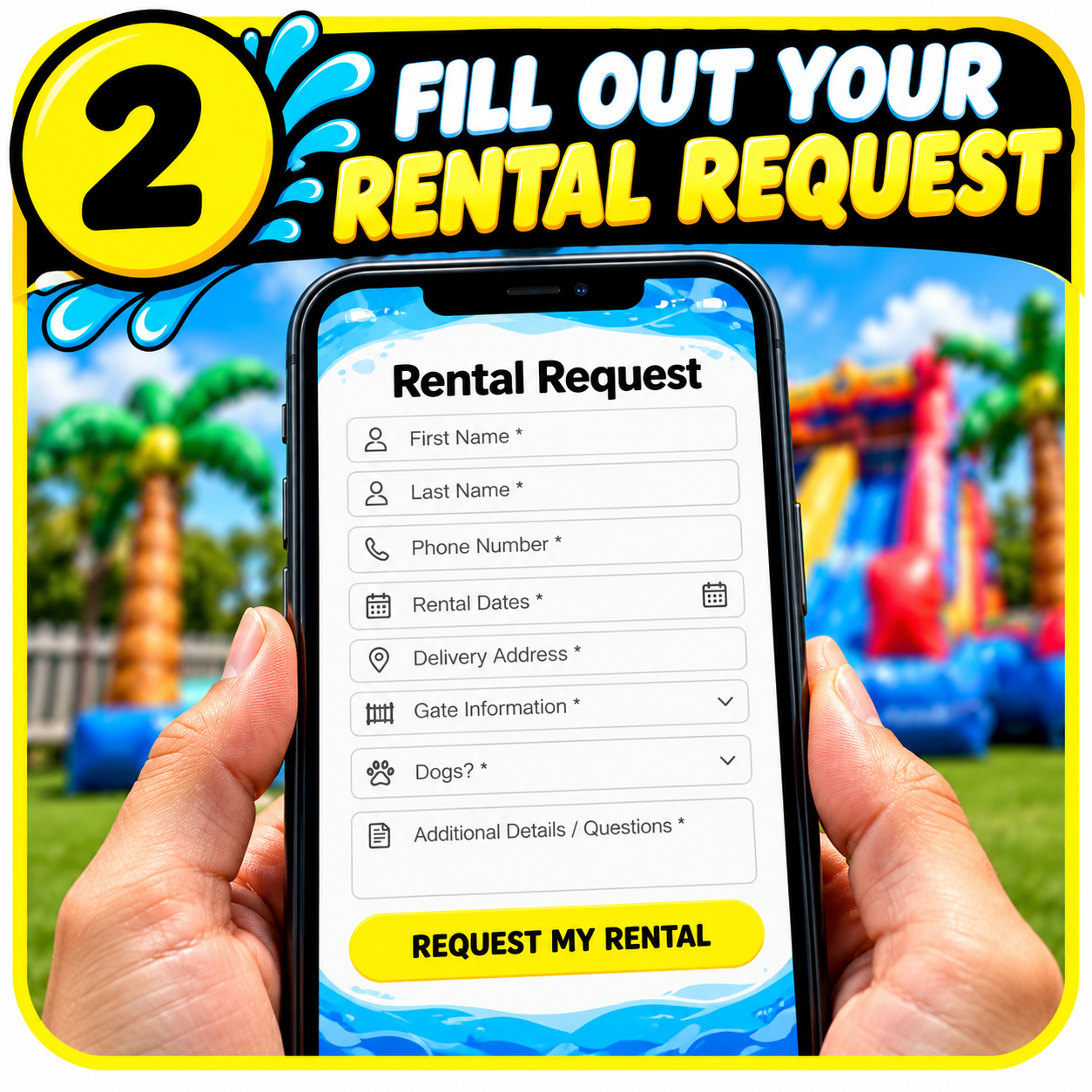
2. Click on the slide you want and complete our rental request form.
All information is required, including gate details, dogs, additional delivery details, and any questions.
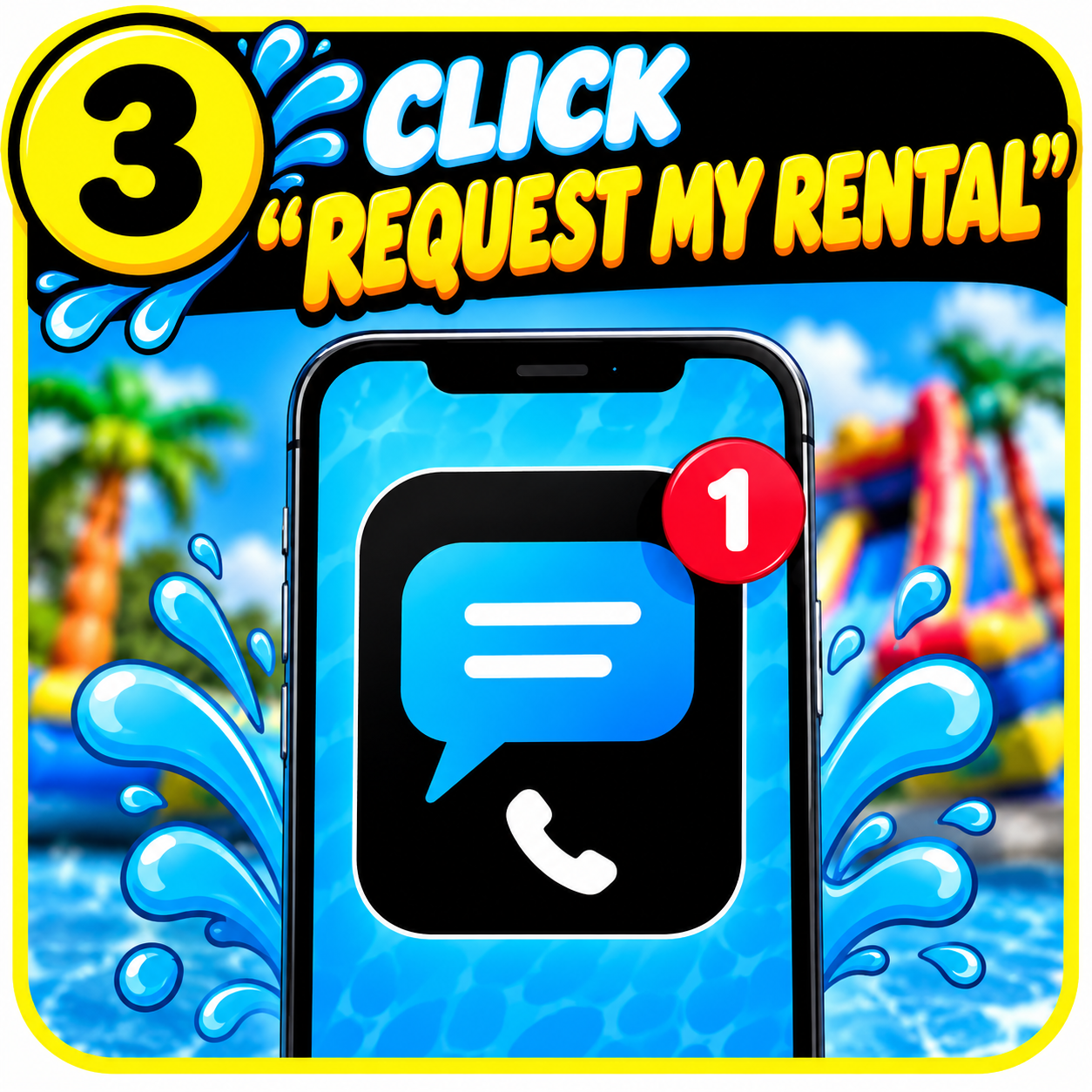
3. Once you've completed the form, click Request My Rental!
This sends us a text message with your rental request. We'll check availability for your requested dates and text you back either way.
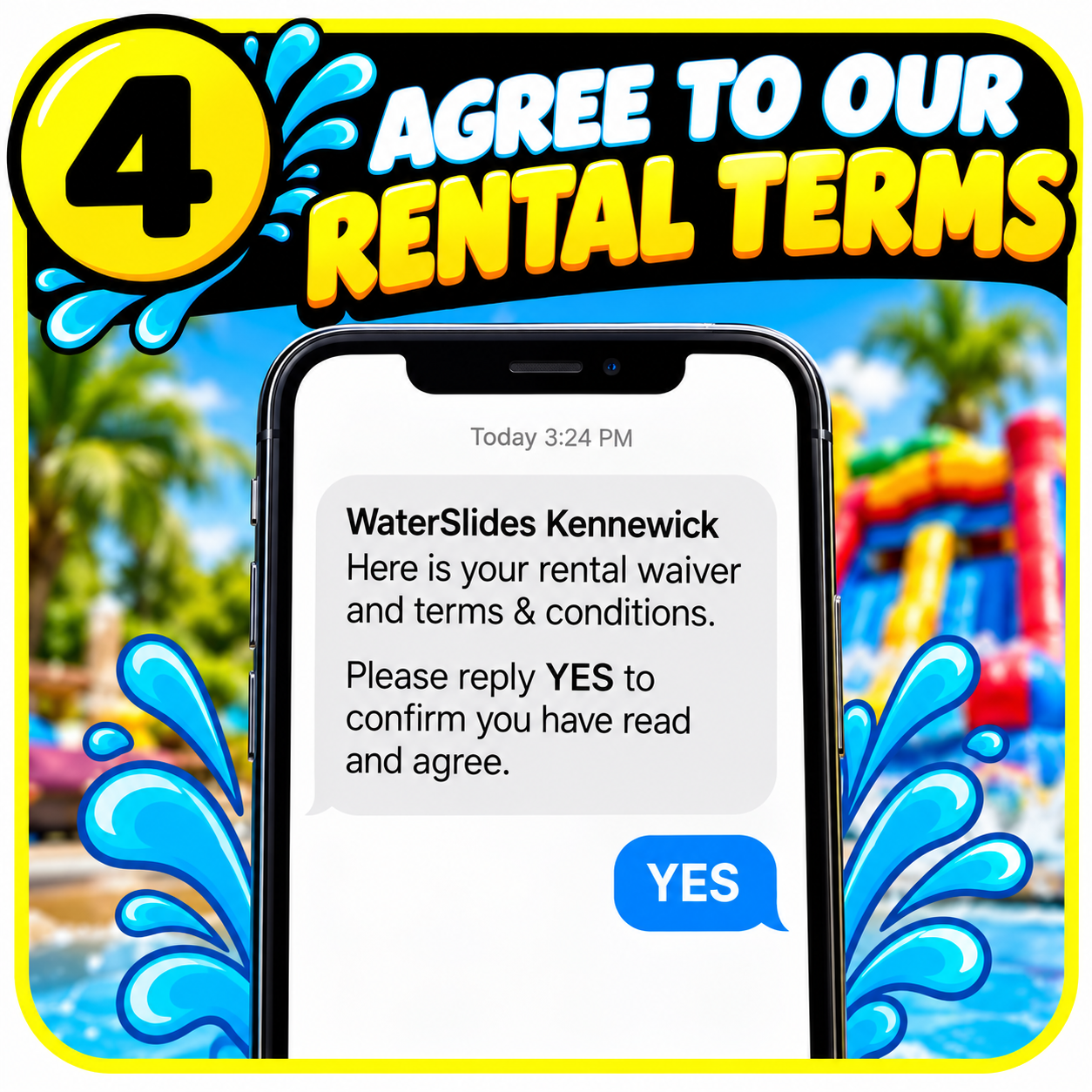
4. Once we've confirmed your dates are available, we'll send you a text message with our rental waiver and terms and conditions.
Simply reply YES to confirm you've read and agree.
This step is required before we can move forward.
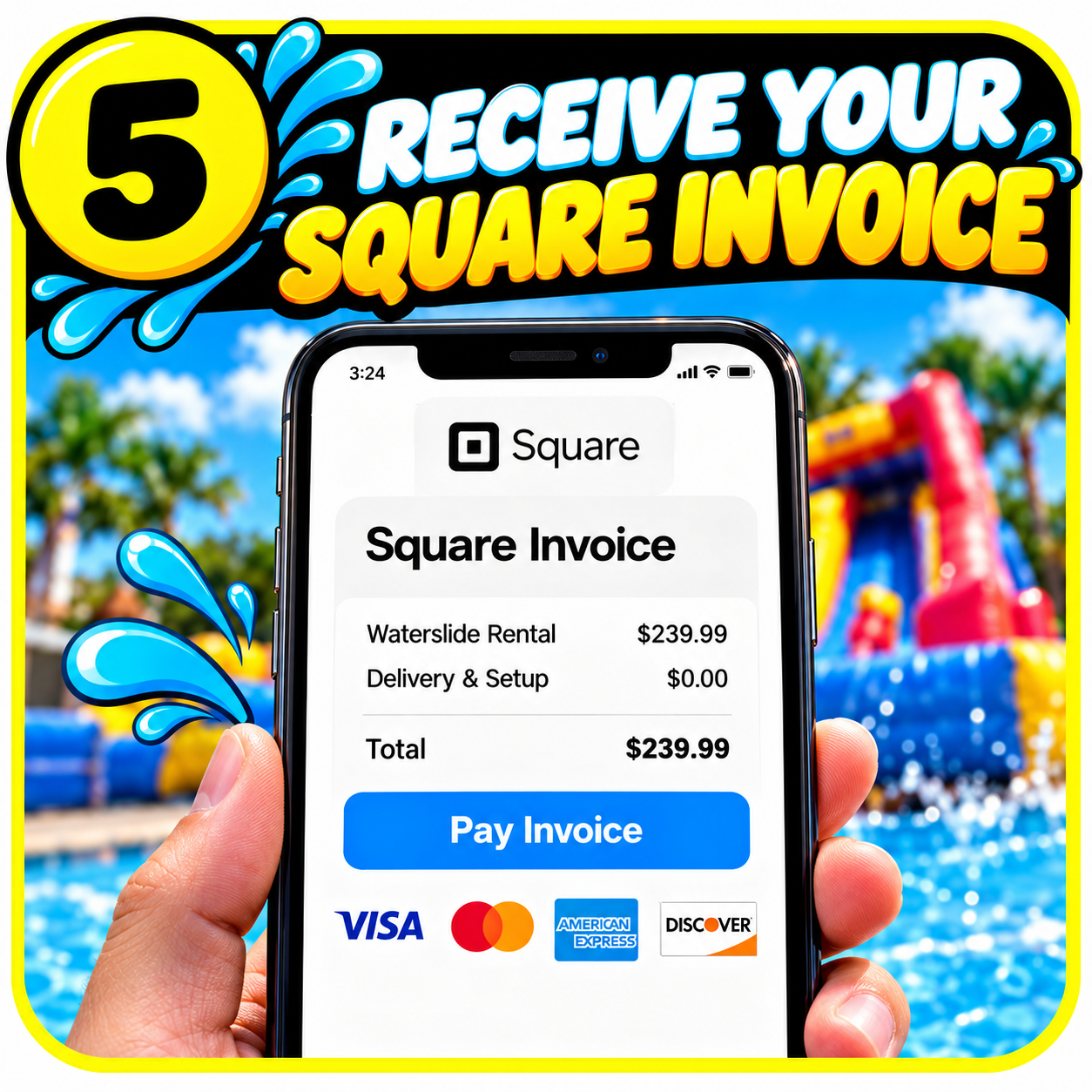
5. After you've agreed to our rental terms, we'll send you an invoice through Square.
We accept Apple Pay, Google Pay, and all major credit cards! 💳
We also accept cash, but electronic payments are preferred. They allow us to confirm your payment quickly, keep accurate booking records, and make sure your rental dates are properly secured.
Simply open your Square invoice, choose your preferred payment option, and complete your payment.
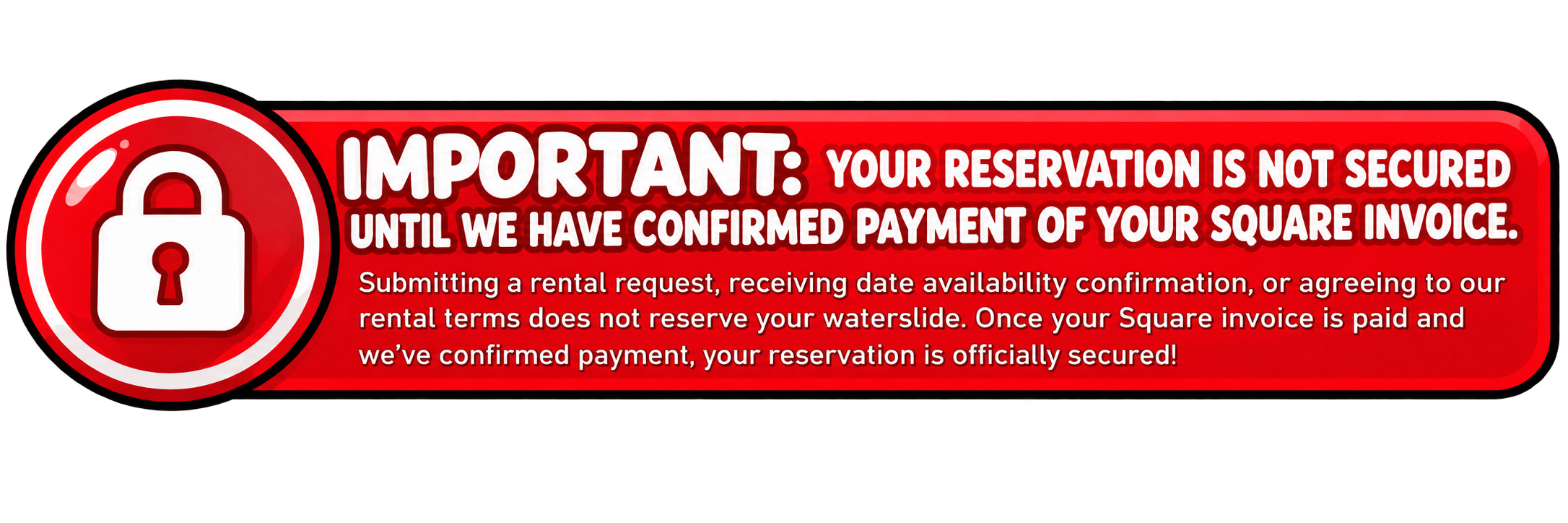
🔒 Remember: Your reservation is not secured until we have confirmed payment.

6. Once we've confirmed your Square invoice is paid, your reservation is officially secured!
We'll coordinate your delivery and setup details so you can focus on making memories.
More splash. More fun. More time! 🌊